Docker install (Compose users)
Install and run the default stack: PHP app baked into the image, MySQL + persisted config.php. For live code mounts, Playwright CI, PHPUnit, or the full web environment reference, see Docker development & CI.
Short checklist: docker/README.md in the repo mirrors a numbered procedure (prerequisites, .env, optional host LOGANALYZER_DISK_*, reinstall).
Compose file
| Compose file | Use case |
|---|---|
docker/docker-compose.yml |
Default / local install. Application code is baked into the image. By default (LOGANALYZER_SEED_SAMPLE_SOURCES=0) the MySQL seed creates schema + admin only — no bundled disk sources unless you set LOGANALYZER_DISK_* (first seed) or add sources under Administration. Fixture files remain under /samplelogs in the image so you can opt into demos. Named volumes loganalyzer_mysql_data (database) and loganalyzer_config (config.php on /persist). LOGANALYZER_OVERWRITE_CONFIG=0. |
Build context for the image is the repository root; see docker/Dockerfile (multi-stage: runtime + baked src; optional fixtures at /samplelogs).
Credentials and bootstrap flags normally come at runtime, not during docker build: copy docker/env.example to .env at the repository root (same directory as README.md) before docker compose. Invoke docker compose --project-directory . -f docker/docker-compose.yml … from the repo root (or use docker/rebuild-consumer.[sh|bat], which set --project-directory) so root .env is used for ${VAR} interpolation.
Real disk sources at first seed: set LOGANALYZER_DISK_SOURCE_PATHS / LOGANALYZER_DISK_SOURCES per docker/env.example; bind-mount host directories on web (commented pattern in docker/docker-compose.yml). After first boot, changing disk paths typically needs LOGANALYZER_OVERWRITE_CONFIG=1 once or wiping the loganalyzer_config volume — see docker/write-config.php / Development & CI for details.
docker compose --project-directory . -f docker/docker-compose.yml up --build
Open http://localhost:8080/.
Clean restore from scratch
From the repository root:
- Linux/macOS/Git Bash:
sh docker/rebuild-consumer.sh - Windows (cmd):
docker\rebuild-consumer.bat
Configure admin & database (.env, not build)
Do not bake secrets into the image. Recommended flow:
- Create
./.env: copydocker/env.example, or runbash docker/init-env-interactive.shfrom the repo root (Windows:powershell -File docker\init-env-interactive.ps1 -RepoRoot .). Defaults followenv.example; Enter keeps each line (*PASSWORD*prompts masked in Bash and PowerShell 7.1+). - Keep
LOGANALYZER_SEED_SAMPLE_SOURCES=0for a clean install (default inenv.example) or set1to auto-create the two demo disk sources using/samplelogs. - Optional host logs: uncomment the
web.volumesline in Compose (seedocker-compose.yml) and setLOGANALYZER_DISK_*to paths inside the container.
Persisted state: database volume loganalyzer_mysql_data; config volume loganalyzer_config ( /persist/config.php, symlinked into the docroot). docker compose … down stops containers without dropping volumes; down -v is a full data reset.
Saved report files: file output is opt-in. Mount a dedicated writable directory outside /var/www/html and set LOGANALYZER_REPORT_OUTPUT_DIR when generating config.php, or set ReportOutputDirectory in an existing persisted config. Saved report targets must be simple .html or .pdf filenames, not absolute paths. Review old report jobs before running them: unrestricted paths are rejected, not migrated. Keep the output directory private and non-executable by the web server.
Docker helper scripts (install-focused)
Small helpers beside the Compose files — run from repository root.
| Script | When to use |
|---|---|
docker/init-env-interactive.sh |
Create .env once from docker/env.example. Skips if .env exists. |
docker/init-env-interactive.ps1 |
Same on Windows (powershell -File docker\init-env-interactive.ps1 -RepoRoot .). |
docker/rebuild-consumer.sh / .bat |
Interactive .env if missing; then compose down -v and up --build on the default stack. |
Rebuild helpers for developer and Playwright stacks: Docker development & CI → Helper scripts
Advanced: expose MySQL to the host
The default stack keeps MySQL on the Compose network (db hostname). To reach MySQL from the host, add ports on db (similar to docker-compose.dev.yml) and align credentials with .env.
Pre-built image (GHCR)
Tag pushes v* publish ghcr.io/<owner>/<repo> via .github/workflows/docker-publish.yml. Reference web.image in an override Compose file (omit build) or use docker run with the same environment variables.
What you see in the UI (screenshots)
Assets under doc-site/docs/assets/user-guide/ were captured with demo sources seeded. A clean consumer install has no demo sources unless you enable LOGANALYZER_SEED_SAMPLE_SOURCES=1 or add paths under Administration.
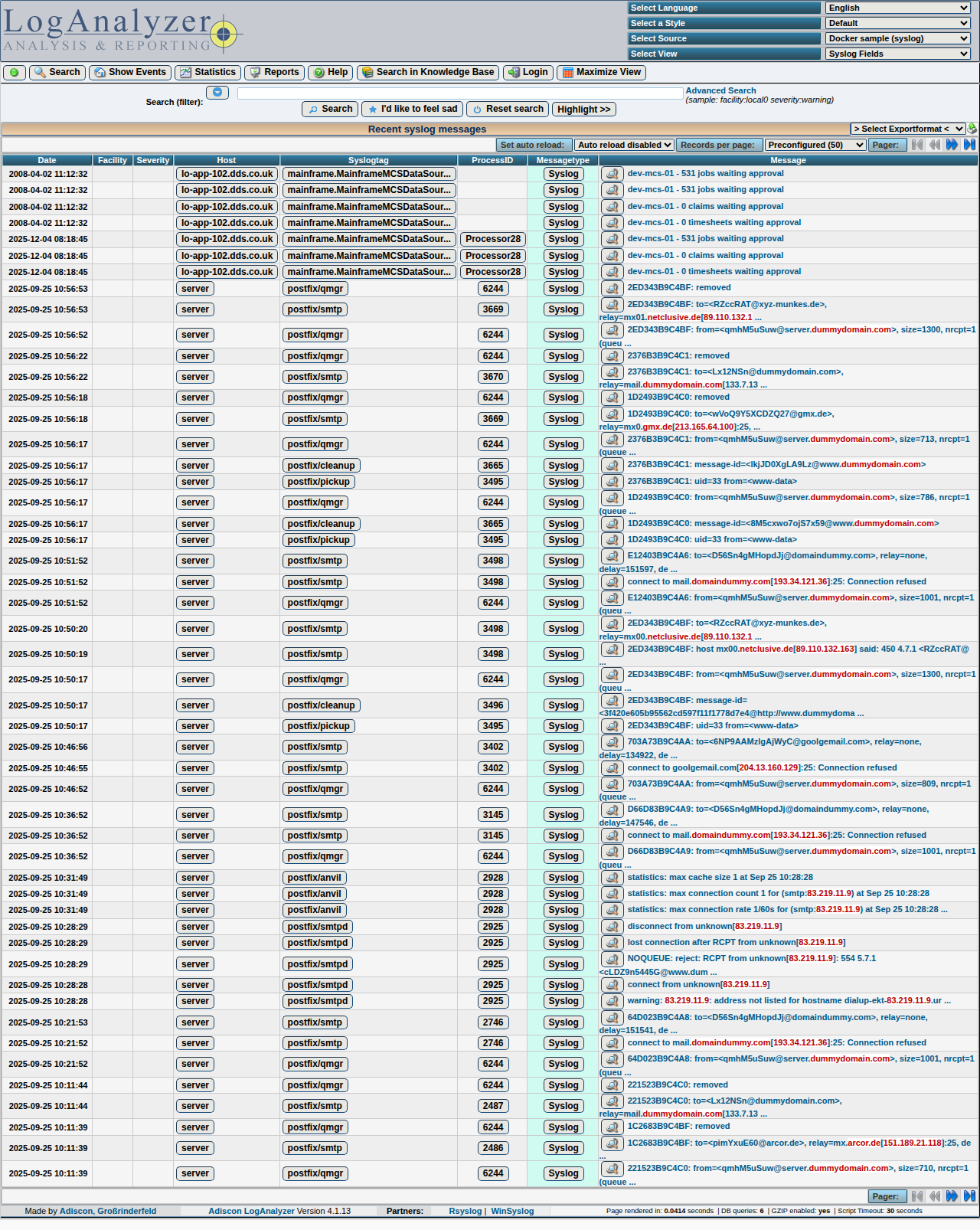
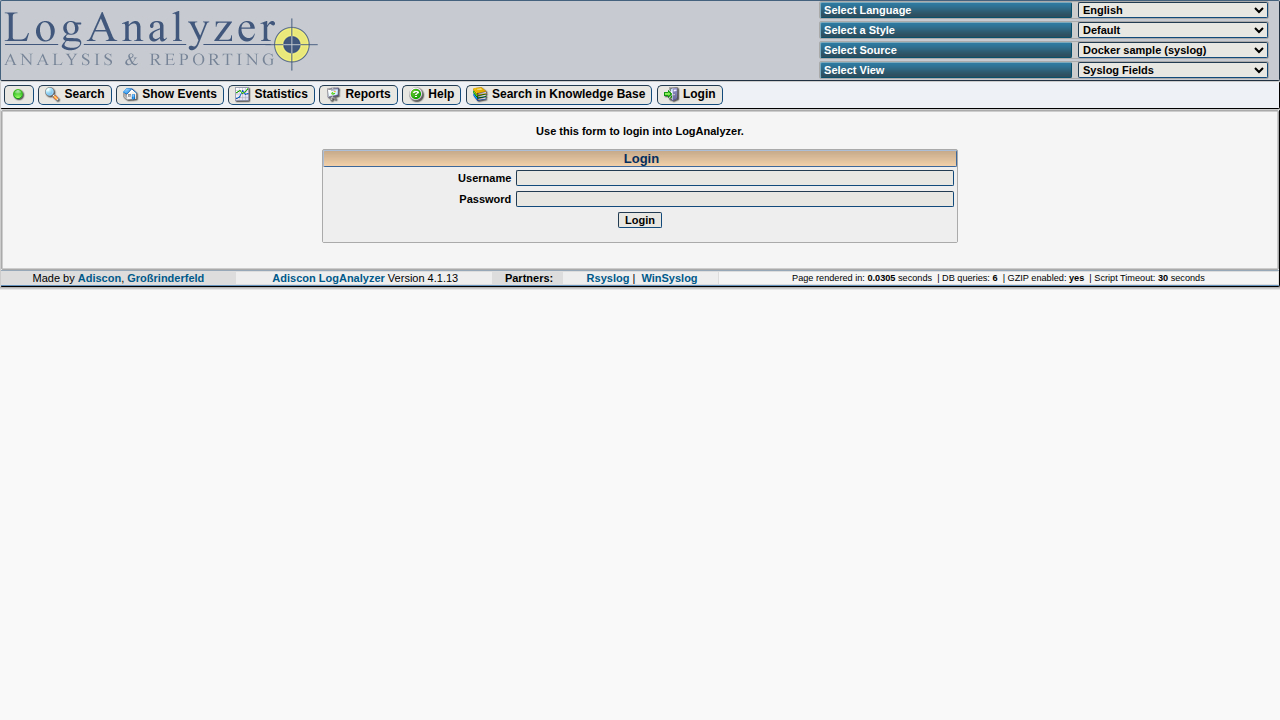
Browse Quick start for a fuller UI walkthrough.
Hosting note
The bundle uses PHP’s php -S built-in server (docker/entrypoint.sh). Fine for desktops and demos; put nginx or Apache (PHP-FPM) in front if you expose LogAnalyzer on a broader network.
Environment variables (typical installs)
Overrides usually go in repo-root .env.
| Variable | Notes |
|---|---|
MYSQL_DATABASE, MYSQL_USER, MYSQL_PASSWORD |
Passed to db and LOGANALYZER_DB_* inside web. |
MYSQL_ROOT_PASSWORD |
Matches healthchecks / seed tooling. |
LOGANALYZER_ADMIN_USER / LOGANALYZER_ADMIN_PASSWORD |
First administrator (compose defaults admin / loganalyzer — change before exposing the host). |
LOGANALYZER_SEED_SAMPLE_SOURCES |
0 = no demo disk sources at seed; 1 seeds /samplelogs. |
LOGANALYZER_LOGIN_REQUIRED |
Set 1 to force login on all pages. |
LOGANALYZER_DISK_SOURCE_PATHS, LOGANALYZER_DISK_SOURCES, LOGANALYZER_DISK_ALLOWED_EXTRA |
Optional host/container log paths — see docker/env.example. |
Full web table (default vs dev compose, PHPUnit, LOGANALYZER_SKIP_SEED, LOGANALYZER_OVERWRITE_CONFIG, LOGANALYZER_CONFIG_PATH, etc.): Docker development & CI.