Quick start
The default Docker stack embeds the app image and persists MySQL plus config.php. Fresh installs (LOGANALYZER_SEED_SAMPLE_SOURCES=0) create schema + admin only — add sources in Administration unless you enable demo seeding (LOGANALYZER_SEED_SAMPLE_SOURCES=1).
Credentials come from Compose or repo-root .env; default placeholders admin / loganalyzer. docker/README.md install (numbered steps, optional LOGANALYZER_DISK_*); handbook Docker install and Docker development & CI. The screenshots below use demo sources (Playwright/E2E).
Run LogAnalyzer locally (default Compose)
From the repository root:
docker compose --project-directory . -f docker/docker-compose.yml up --build
Open http://localhost:8080/ (container maps host 8080).
Typical flow
-
Main view (
index.php) — browse syslog-style lines from configured sources.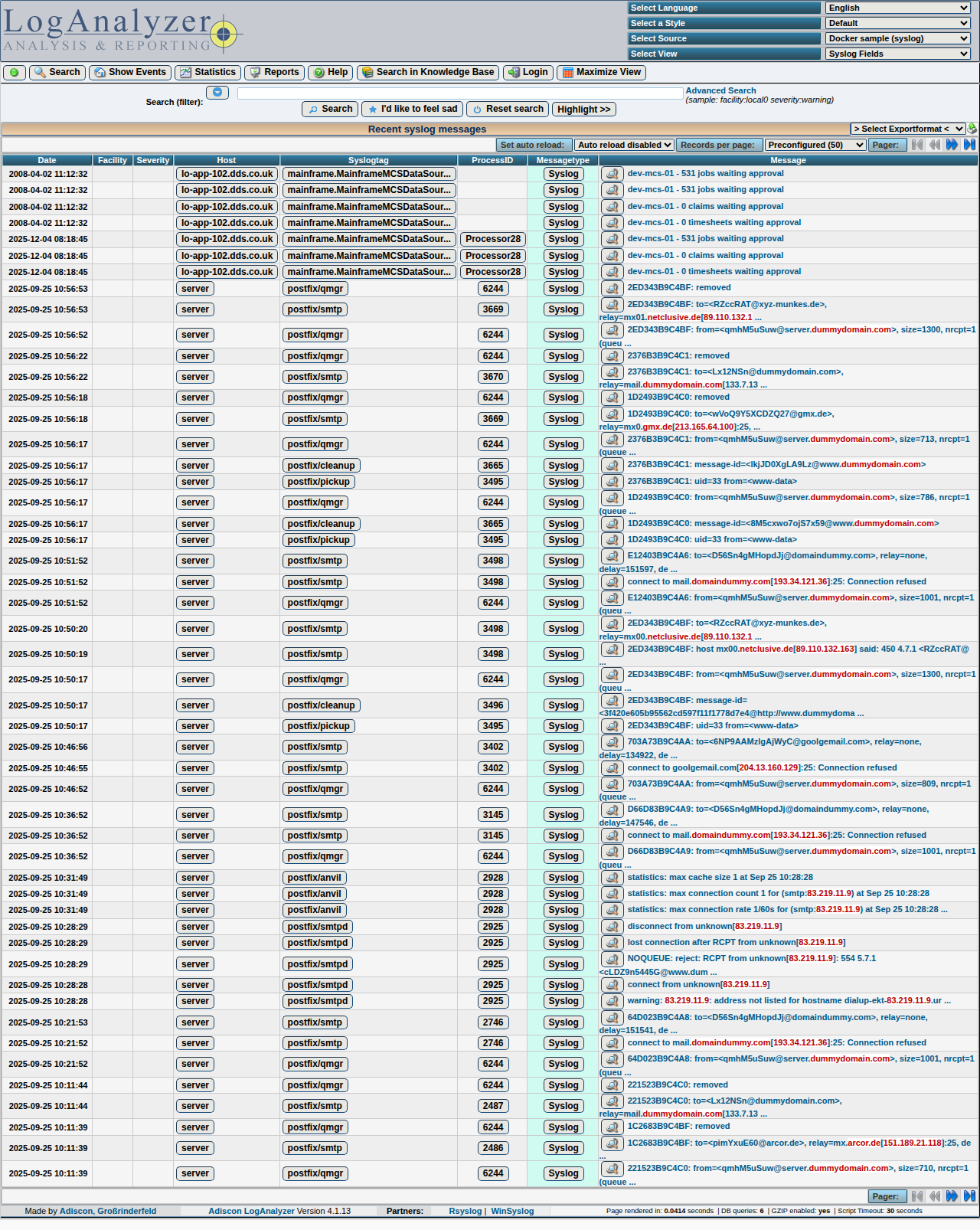
-
Sign in (
login.php) — use admin credentials when user management / restricted pages apply.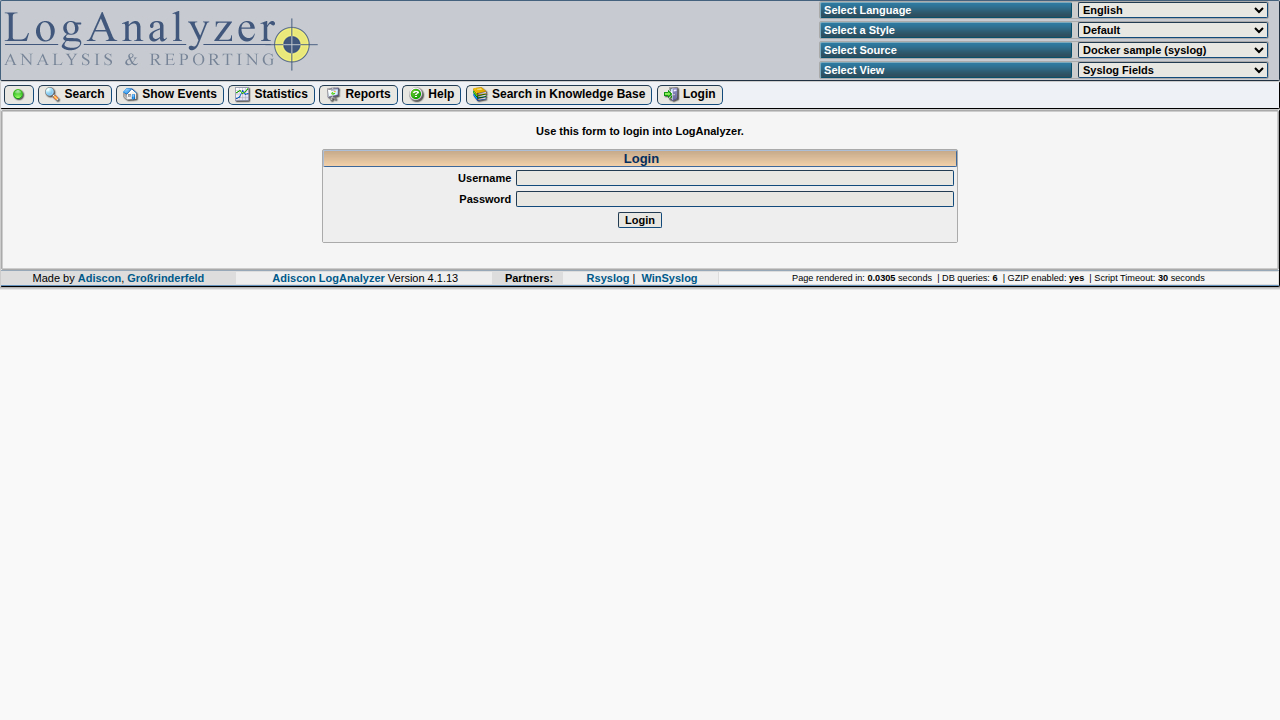
-
Administration (
admin/index.php) — sources, users, and related settings.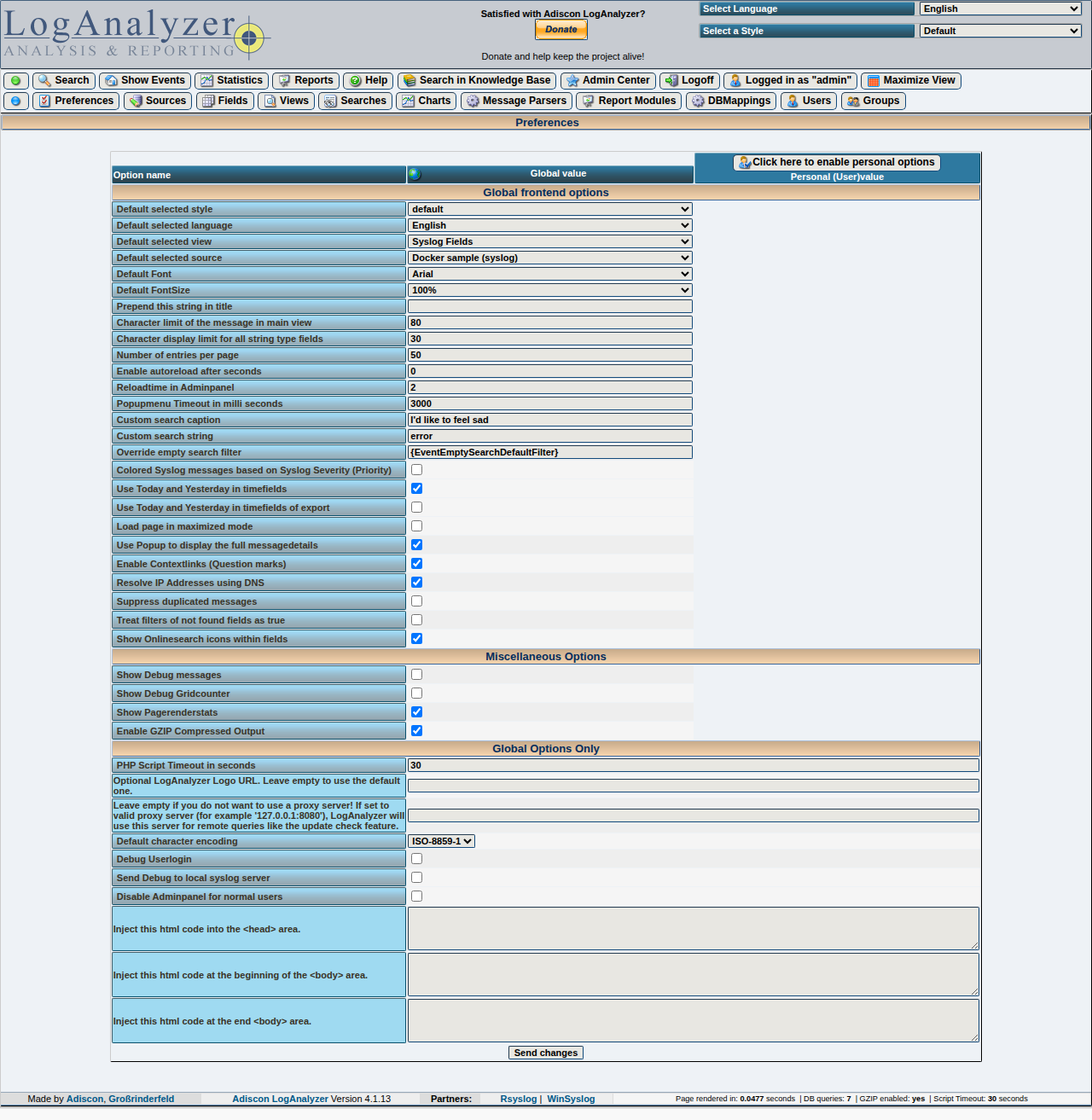
-
Statistics (
statistics.php) and Reports (reports.php) — summaries and report views.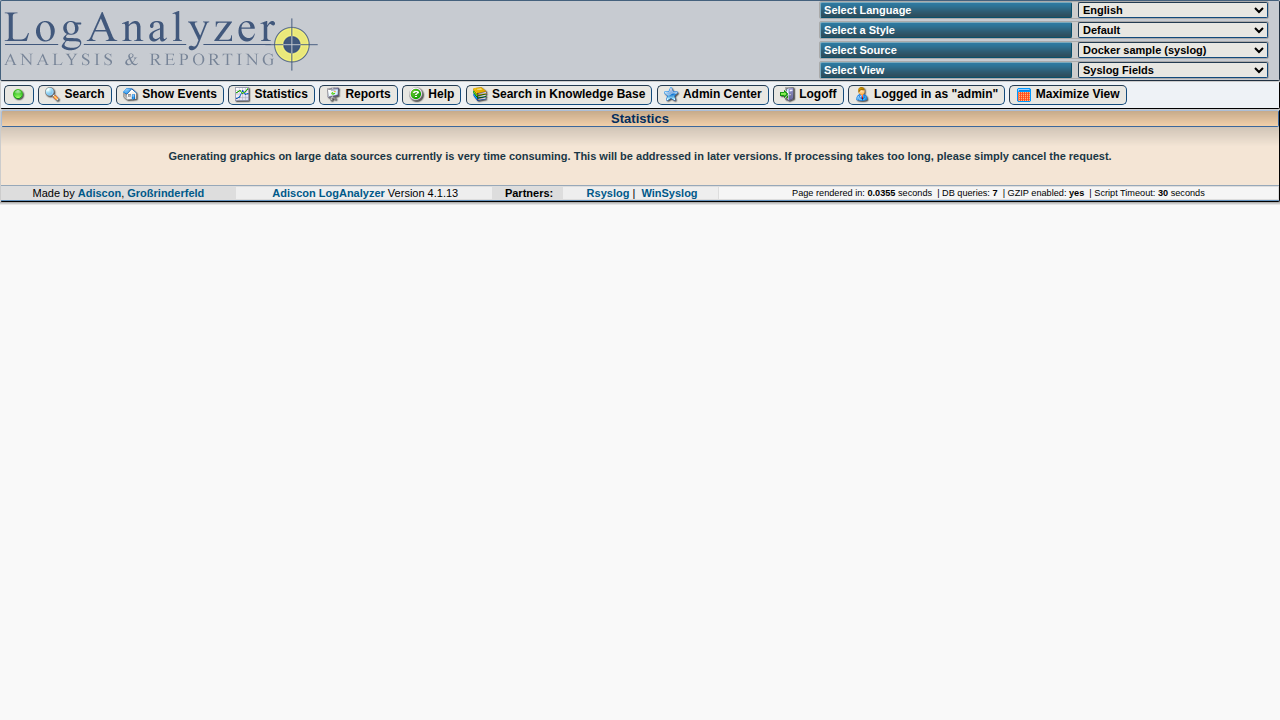
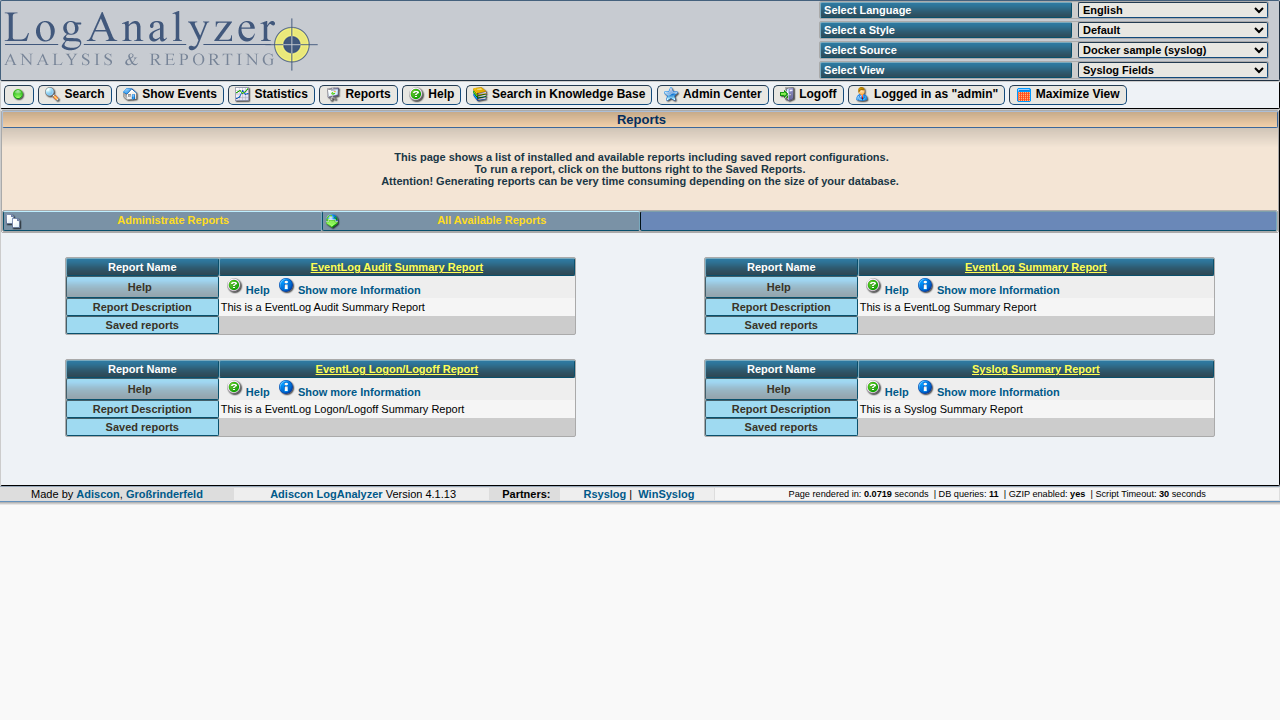
Screenshots in this handbook
PNG files under doc-site/docs/assets/user-guide/ are produced with Playwright against the E2E stack. To refresh them after UI changes, see e2e/README.md in the repository (Handbook screenshots).
Go deeper
- Interface map — how main areas fit together.
- User guide overview — full list of imported chapters from
doc/. - Installation and Basics for configuration and concepts.